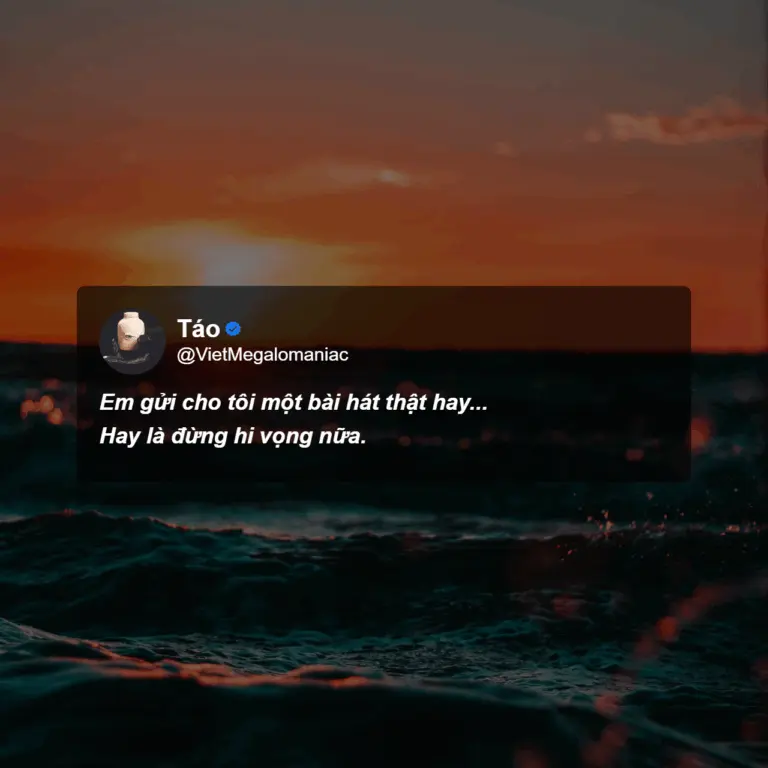
Pick a quote with emotional depth
Mood quotes are often short yet powerful. They may be a fleeting thought, a line from a song, or something deeply personal. Here’s one example:
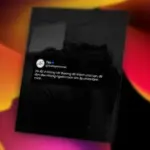
Em gửi cho tôi một bài hát thật hay…
Hay là đừng hi vọng nữa.
This quote is written in Vietnamese and contains a wordplay on the word “hay”, which means both “beautiful” (as in a good song) and “maybe” (as in a shift in thought). The double meaning creates an emotional twist that’s difficult to translate directly, but deeply moving in context.
Visit Init Quote Studio
Try it out here: https://inithtml.com/init-quote-studio. The interface is intuitive and works directly in your browser—no installation required.
Enter your quote and adjust formatting
Once you open the tool, you’ll find these input fields:
- Quote Text: your main quote line.
- Author: the speaker’s name (optional).
- Subline: a subtitle or description (optional).
- Font style: italic and/or bold to highlight the emotion.
- Verified tick: optional—great for social media-style visuals.
Choose a background image that sets the mood
The background greatly affects the mood of your image. Here are some suggestions:
- Sunset or beach at dusk
- Dimly lit rooms with warm lighting
- Minimalist or blurred-out scenery
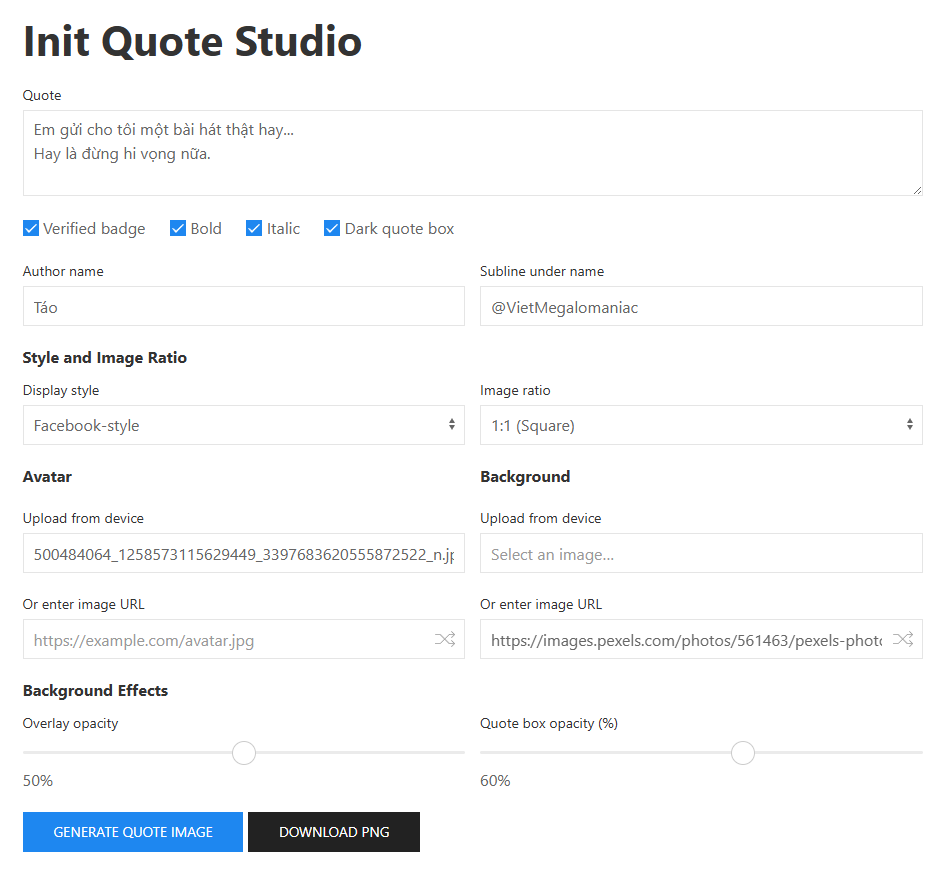
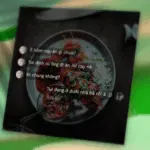
Above is an example using the original Vietnamese quote.
You can:
- Upload an image directly from your device
- Paste image URLs from trusted sources such as Pexels, Pixabay, or JSDelivr
Note: Some websites block external image use due to CORS restrictions. If the image fails to load, uploading your own photo is the safest choice.
Customize the image layout
Here are some useful settings to fine-tune your quote image:
- Box opacity: 80% to 90% gives a soft but clear quote background.
- Background overlay: use 40%–60% if the image is too bright to improve text contrast.
- Hide avatar: for a more anonymous and minimalist look.
Download and share
Once finished, click “Download PNG” to save your image. You can post it on Pinterest, Instagram, Facebook, or use it as your phone’s wallpaper.
Suggested hashtags to increase reach:
- #quote
- #aesthetic
- #moodquote
- #initquotestudio
- #inithtml
Turn your quote image into a TikTok or Reels video
Once you’ve created your quote image, you can use it to make a short video on TikTok, Instagram Reels, or YouTube Shorts. Add music, apply slow zoom effects with tools like CapCut, and you’ll have an emotionally engaging quote video that resonates with viewers.
We’ll publish a separate guide on how to turn quote images into videos using CapCut.
Conclusion
Init Quote Studio is a simple yet powerful tool that lets you create emotionally resonant quote images in minutes. Whether you’re expressing a personal feeling or capturing a timeless line, this tool helps you bring words to life.






Comments