Choose a lyric you love
Start with a short, emotionally charged lyric. It could be a line from an old rap song, a lofi snippet, or a hook that keeps playing in your head. For example: “But tomorrow it’s just me walking alone through the city without you.”
Create your quote with Init Quote Studio
Visit Init Quote Studio and follow these steps:
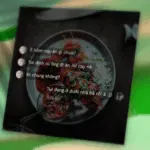
- Select the Music Style template to activate the media-style quote mode.
- Enter your quote, song title, and artist name.
- Customize the background, disc image, color scheme, fonts, and display effects.
Export as a WEBM video
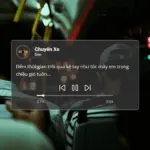
Click the “Download WEBM” button to export your video. You can choose a duration from 1 to 60 seconds. The video includes the background, center-aligned quote, spinning disc, and a simulated music play bar with track time.
Add background music using CapCut
Once downloaded, open your quote video in CapCut. CapCut now supports WEBM format, allowing you to add background music, effects, or further edits without needing to convert the file.

Finalize and share
Once edited, your quote video can be shared on TikTok, Instagram Reels, or any platform you use. It’s a unique way to express emotions through music—and to showcase your personal vibe through every line.
Conclusion
Init Quote Studio isn’t just a quote image tool. With video export and music integration, it opens up a new way to express emotion—especially for those who love rap, lofi, and the art of quoting.





Comments