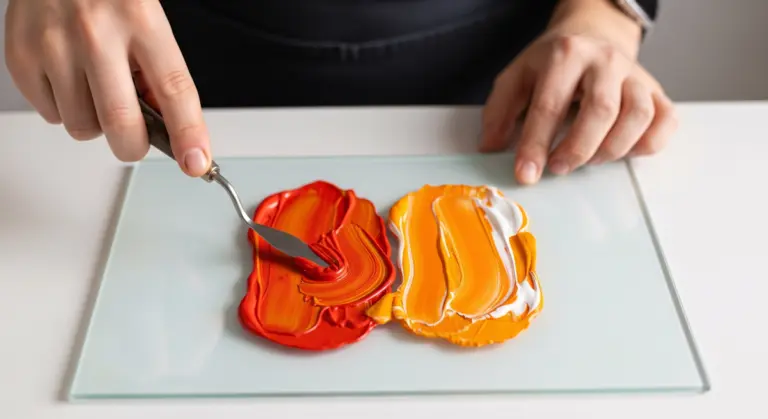
What is Init Color Palette used for?
Init Color Palette is an online image-to-color-palette extractor that analyzes an image and identifies its most dominant colors. The tool helps you quickly obtain color codes that can be used for website design, UI/UX projects, branding, illustrations, or marketing materials.
How to extract colors from an image with Init Color Palette
The workflow is simple and intuitive, even if you have no technical background:
- Select or upload an image from your device
- Choose how many colors you want to extract
- Adjust the sorting method based on your needs
- Click the extract button to generate the palette
- Click on any color to copy its code or copy the full list
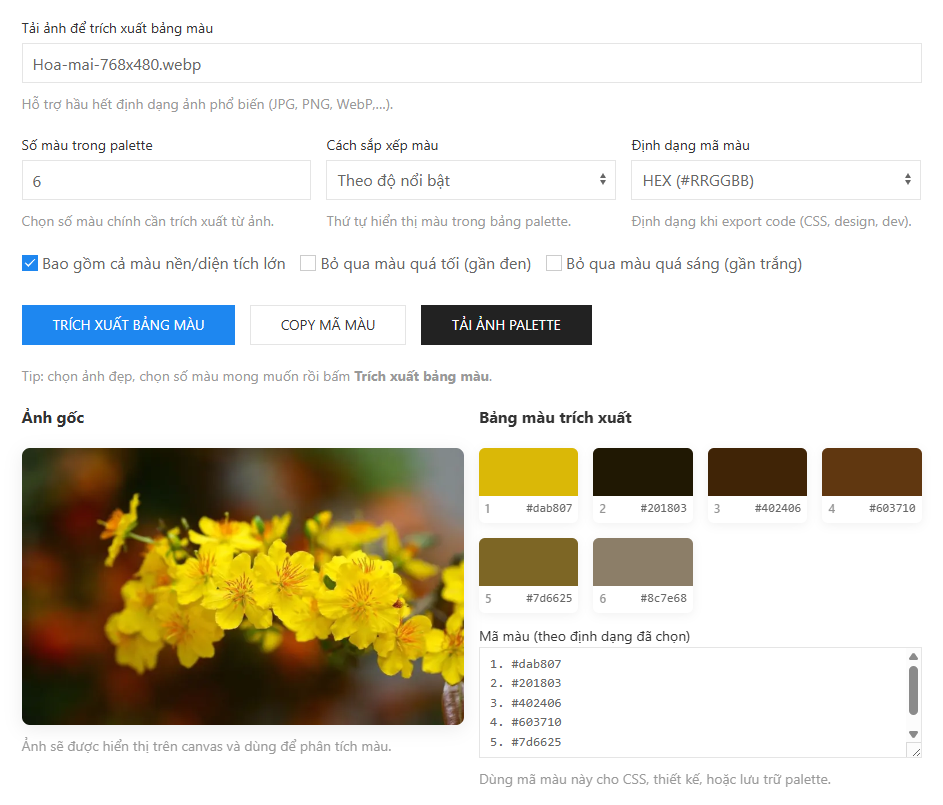
Customize the color palette to fit your project
Init Color Palette provides several options to make the extracted palette more practical and visually balanced:
- Ignore very dark or very bright colors
- Exclude background colors if they are not needed
- Sort colors by dominance, brightness, or hue
- Switch between HEX, RGB, and HSL formats instantly
Copy and export extracted colors
Once the palette is generated, you can click on individual colors to copy their values to the clipboard. The tool also allows you to download the entire palette as a PNG image, making it easy to store, share with clients, or include in design documentation.
When should you use Init Color Palette?
This tool is ideal when you need to extract colors from reference images, UI screenshots, marketing banners, or inspiration images found online. Instead of manually sampling colors, Init Color Palette gives you a consistent and accurate color palette in seconds.
Key advantages of Init Color Palette
Init Color Palette is built with performance and usability in mind:
- Runs entirely in the browser with no image uploads
- Fast processing, even with large images
- Clean and distraction-free interface
- Suitable for both designers and developers
Conclusion
If you are looking for a fast and reliable way to extract colors from images, Init Color Palette is a practical solution. With just one image, you can generate a ready-to-use color palette that fits seamlessly into any design or web development workflow.









Comments