
You can enable this tool directly from Init Manga → Setup Wizard → Utilities using the Install Init Manga Migrator button. Once installed, a new menu Init Manga → Migrator will appear in your dashboard.
Export
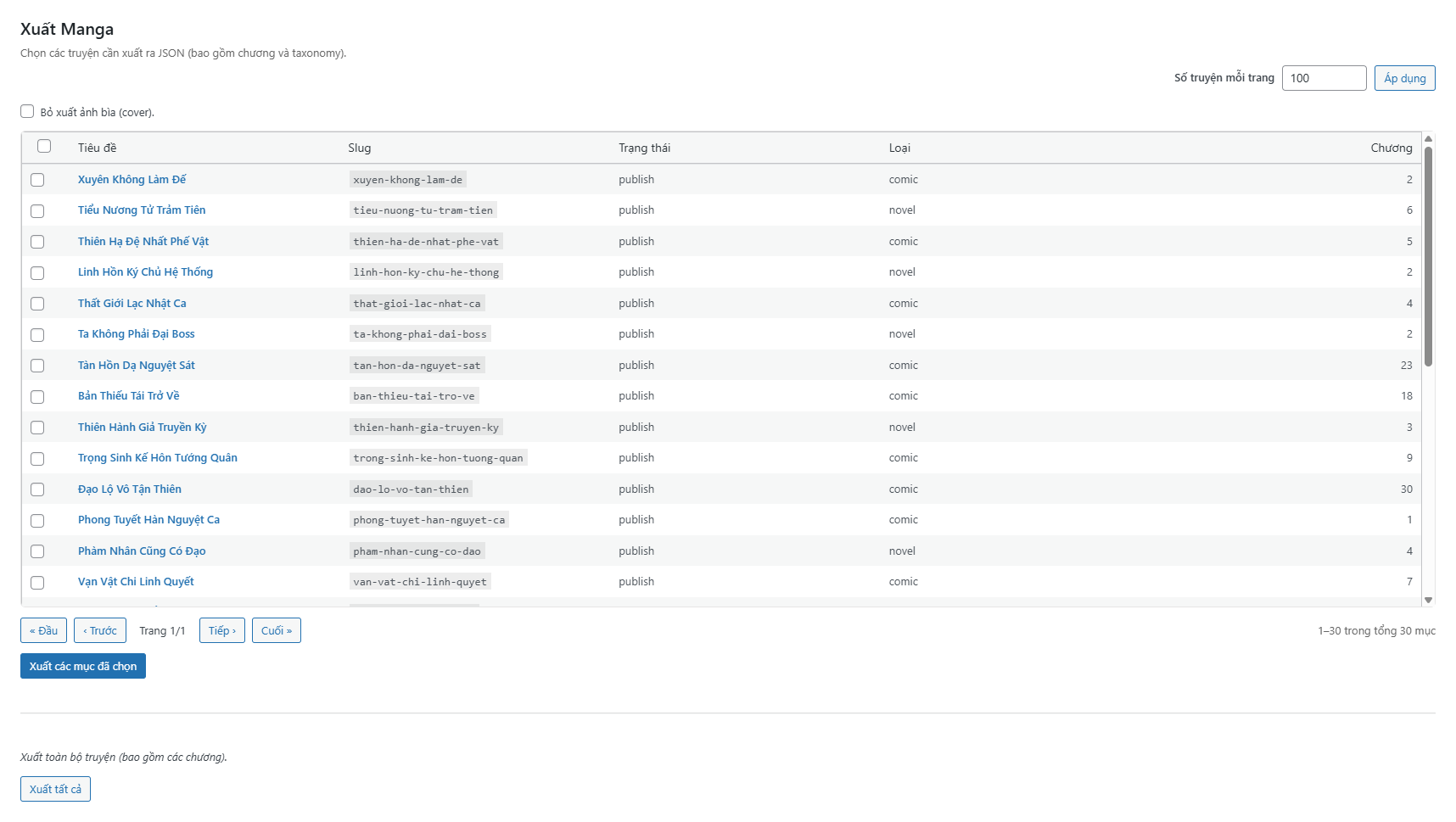
The Export section lets you generate a JSON file containing all manga data, including:
- Core information: title, slug, content, and essential meta fields.
- Taxonomies: genre, author, and team (auto-detected if registered).
- Featured image: includes alt text, caption, and avoids duplicates on re-import.
- Chapters: title, number, slug, content, and lock type/value.
You can export specific manga or the entire library with a single click. The exported file (init-manga-export.json) is fully readable, clean, and portable between any Init Manga sites.
Import
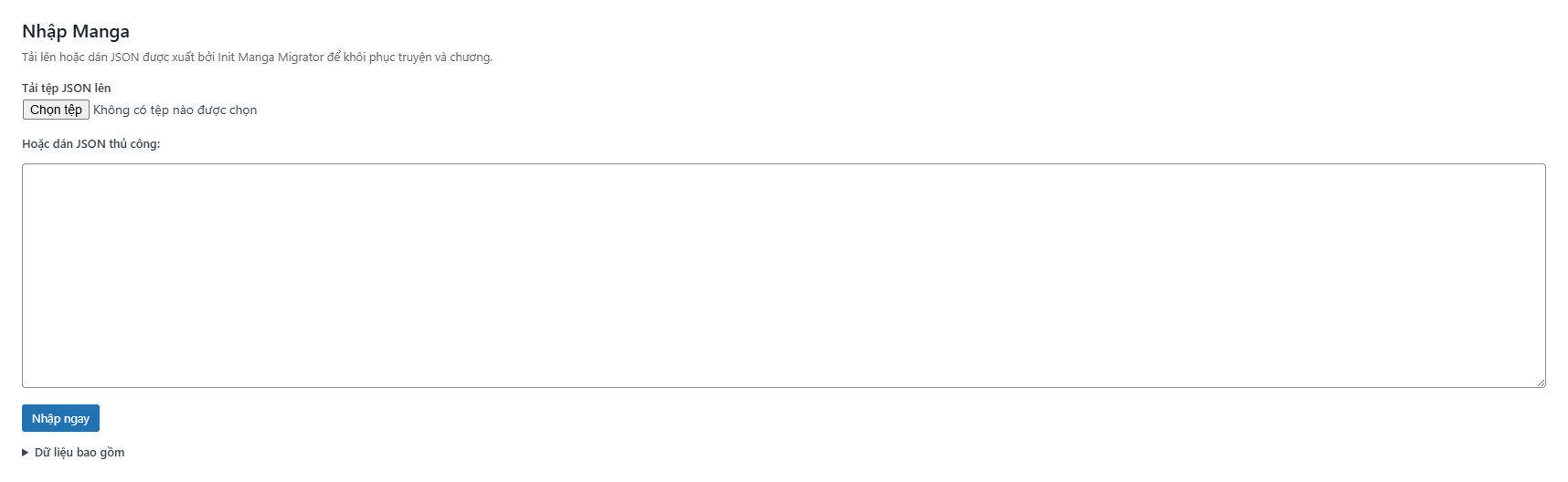
The Import feature lets you safely bring manga data back into your site — either from backups or from another WordPress installation. The process is fully automated and smart:
- If the slug already exists → the manga is updated (meta, taxonomies, featured image, chapters, etc.).
- If the slug does not exist → a new manga is created and published automatically.
- Duplicate chapter slugs are skipped to prevent duplication.
- Featured images are re-downloaded, reattached, and retain their alt text and caption.
Every operation is idempotent — meaning you can safely re-import the same file multiple times without breaking or duplicating anything.
Cleanup
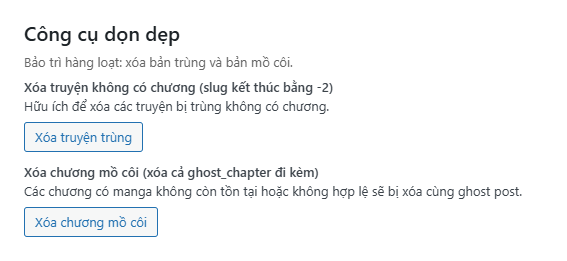
The Cleanup tools help you keep your database lean and consistent. Two cleanup operations are currently available:
- Delete manga without chapters — removes duplicates (slugs ending with
-2). - Delete orphan chapters — removes all chapters that no longer belong to a valid manga, along with any linked
ghost_chapterposts.
All cleanup actions run in batches to avoid timeouts on large databases, and are completely safe.
How to Enable
- Go to Init Manga → Setup Wizard → Utilities.
- Click Install Init Manga Migrator.
- After installation, you’ll see Init Manga → Migrator in your admin menu.
- Start exporting, importing, or cleaning up data directly from there.
Init Manga Migrator is the ultimate companion tool for data migration, backup restoration, and database maintenance — ensuring your manga library stays clean, consistent, and portable across any site.










Comments