
- Why Init Press is a Free Personal Blog Theme Worth Using?
- Key Features of Init Press Personal Blog Theme
- 1. Automatic Dark Mode
- 2. Series System for Long-Form Content
- 3. Automatic Reading Time and View Count
- 4. Fast Search Without Page Reload
- 5. No Page Builder Required, Still Flexible
- 6. Useful Shortcodes
- Init Press vs Other Free Personal Blog Themes
- Who Should Use Init Press Personal Blog Theme?
- How to Install Init Press Personal Blog Theme
- Plugins Included with Init Press (Auto-installed via Setup Wizard)
- Free Personal Blog Theme Without Sacrificing Quality
Why Init Press is a Free Personal Blog Theme Worth Using?
Unlike other free personal blog themes that often come with ads, messy code, or lack support, Init Press is developed by Init HTML with a clear philosophy: the theme should serve the content, not the other way around.
The theme uses the UIkit framework instead of heavy Bootstrap, resulting in significantly faster page load speeds. This matters not only for readers but also for SEO – Google prioritizes fast-loading websites in search results.
Key Features of Init Press Personal Blog Theme
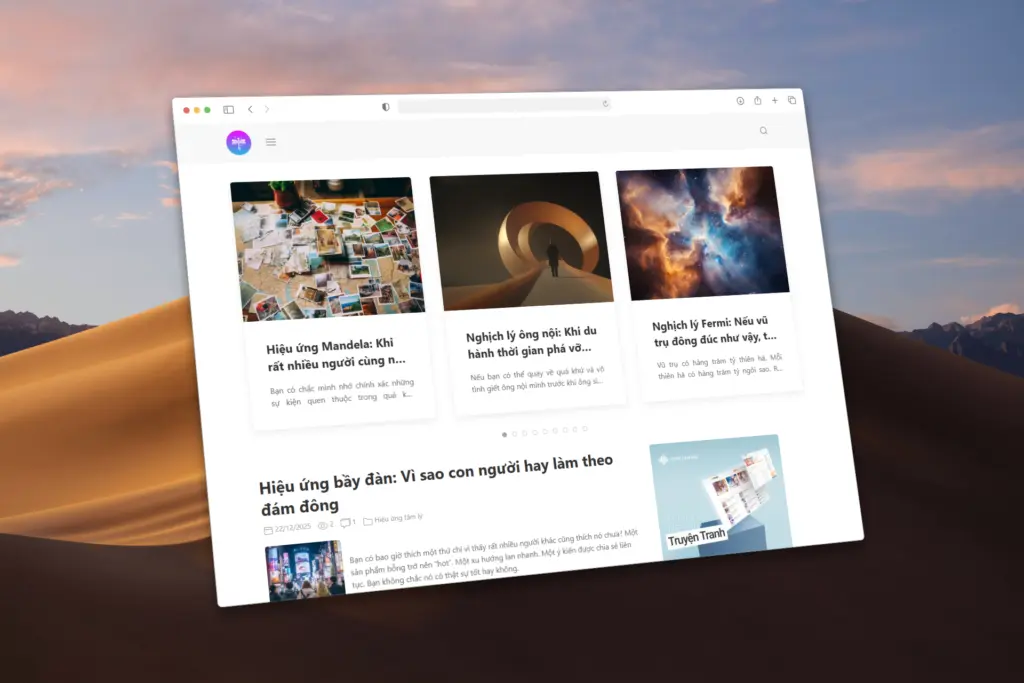
1. Automatic Dark Mode
Init Press supports automatic dark mode based on the reader’s system settings. No additional plugins needed, no flashing when switching pages. This feature makes your blog more professional and easier to read in any lighting condition.
2. Series System for Long-Form Content
If you write article series, Init Press has a built-in Series taxonomy. Readers can easily navigate between posts in the same series with intelligent previous/next buttons. This is a rare feature among other free personal blog themes.
3. Automatic Reading Time and View Count
The theme automatically calculates estimated reading time for each post, helping readers know how much time they need upfront. When combined with the Init View Count plugin (included), you also get view statistics and trending posts.
4. Fast Search Without Page Reload
With the Init Live Search plugin (included with theme), your blog has a modern search bar like major websites – type and get instant results without waiting for a new page to load. Much better user experience than WordPress’s default search.
5. No Page Builder Required, Still Flexible
Init Press provides a Raw HTML template that allows you to create 100% custom landing pages with pure HTML/CSS. No lock-in with Elementor or any page builder – you can copy code from anywhere and paste it to work.
6. Useful Shortcodes
The theme comes with shortcodes like [button], [note], [post], and [demo] to help you create diverse content without writing code. Especially useful for tech blogs when you need to embed demos directly into posts.
Init Press vs Other Free Personal Blog Themes
Most free themes on WordPress.org focus more on eye-catching design than performance. Init Press takes the opposite approach: minimalist design but carefully optimized code.
Compared to GeneratePress or Astra (popular themes), Init Press is lighter because it doesn’t need to load jQuery. Compared to Vietnamese themes like Flatsome or X-Theme, Init Press is completely free with no complicated licensing.
Who Should Use Init Press Personal Blog Theme?
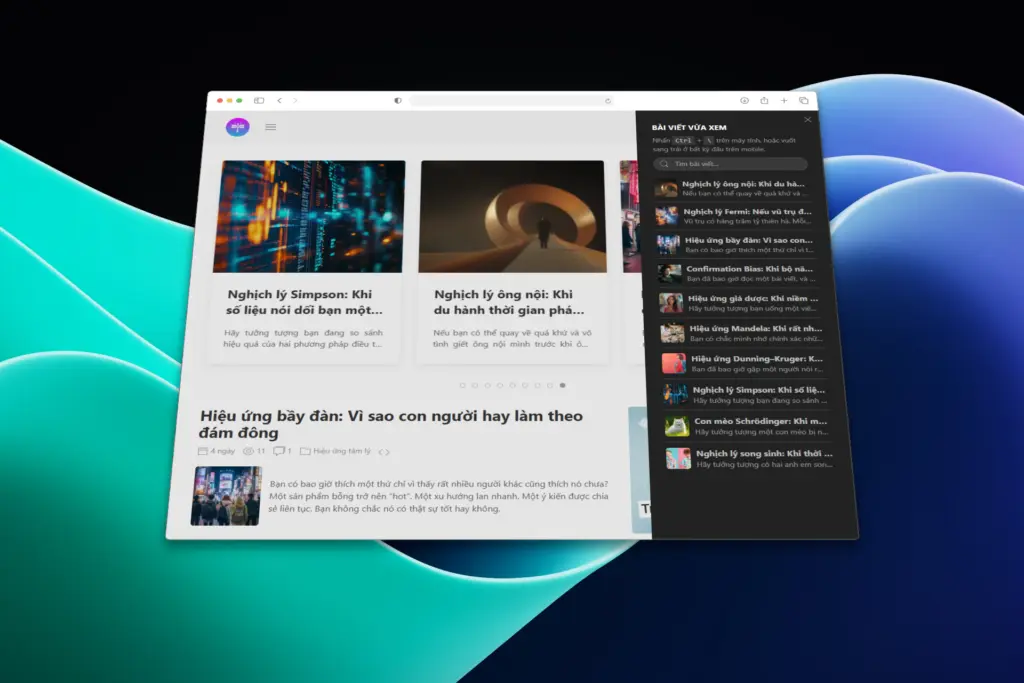
Init Press is suitable for you if:
- You write tech blogs, marketing, learning, or share in-depth knowledge
- You need a fast-loading blog for Google SEO optimization
- You want to focus on writing instead of wasting time on design
- You plan to write long-term with many posts on the same topic
- You like coding and want to customize the theme your way
The theme is not suitable if you’re looking for an e-commerce theme, image-heavy portfolio, or need complex drag-and-drop page builders.
How to Install Init Press Personal Blog Theme
Step 1: Download the free theme at Init HTML
Step 2: Go to Appearance → Themes → Add New → Upload Theme
Step 3: Activate the theme and run the Setup Wizard (automatic guide)
Step 4: Go to Init Press → Settings to configure social links and footer
The Setup Wizard will automatically install and activate necessary plugins like Init Live Search, Init View Count, Init Recent Comments, and Init Embed Posts. Everything is pre-optimized to work right away.
Plugins Included with Init Press (Auto-installed via Setup Wizard)
Init Press comes with a suite of required plugins automatically installed when running the Setup Wizard:
- Init Live Search – instant search without page reload
- Init View Count – track views and display trending posts
- Init Recent Comments – recent comments widget with beautiful UI
- Init Embed Posts – embed posts into other pages
All plugins are specifically optimized for Init Press and work seamlessly with the theme.
Free Personal Blog Theme Without Sacrificing Quality
Init Press proves that free themes can still be professional when built the right way. Instead of stuffing features, the theme focuses on what bloggers actually need: speed, SEO, and good reading experience.
If you’re looking for a free personal blog theme for long-term writing, Init Press is worth trying. Download, install, and start writing – it’s that simple.









Comments